My Next: Note
Thoughts without pressure.
A calm, personal note app for capturing thoughts, context, and ideas — without pressure or structure requirements. Fast capture, trusted retrieval, and a quiet space for thinking.
Available in 20 languages. Need help? Contact [email protected]
A quiet space for your thoughts
Not another productivity tool with folders and tags. My Next: Note gives you a blank page and gets out of the way.
Capture fast
Open the app, start typing. No setup, no categories, no templates. Just a blank page ready for your thoughts. Rich text formatting when you want it.
Find anything
Full-text search across all your notes. Your thoughts are always retrievable, no matter how many notes you have.
Think freely
No rigid structure imposed. Write stream-of-consciousness, make bullet lists, or format with bold and italic. The app adapts to how you think.
Private by default
No account or email address required. Notes are stored locally, with optional transfers to your paired Apple Watch. No ads or advertising tracking. Optional product analytics helps us understand general app and feature usage without collecting your note content. Turn it off in Settings; subscription processing remains separate.
See it in action
Clean, calm, and focused on your content.
Writing
Rich text editor with formatting toolbar.
Notes
Browse and organize your notes from the side menu.
Notebooks
Group notes into Notebooks for focused collections.
Everything you need, nothing you don't
Powerful enough for rich notes, simple enough for quick thoughts.
Writing
- Rich text editor with formatting toolbar
- Bold, italic, underline, strikethrough
- Bullet and numbered lists
- Autosave on every change
Notes
- Create, edit, and delete notes
- Side menu for navigation
- Inline delete confirmation
- “Unnamed note” fallback for untitled notes
Organization
- Sort by last modified or alphabetical
- Full-text search across all notes
- Side menu with quick access
- Bin for recovering deleted notes
Data & Privacy
- No account or email required — just install and go
- Offline reading and writing — system dictation may require internet
- All your notes and notebooks stored locally on your device
- Backup and restore
- No ads, no advertising tracking
- Optional product analytics — off with one switch in Settings
- Extra subscriptions handled by RevenueCat under a random customer ID — Apple processes payments
- Soft delete with recovery from Bin
- Available in 20 languages
- Light and dark mode
Apple Watch
Your thoughts. On your wrist.
Browse notes and notebooks, then scroll with the Digital Crown. Pinning and sort order follow your iPhone settings.
Tap the round plus button to capture a thought with system dictation or available text input. Saved notes wait on your watch when your devices are disconnected, then transfer to your iPhone when they reconnect. Dictation itself may need internet access.
The watch is for reading and capture. Use your iPhone or iPad to edit, search, organize notes, or check off checklist items.
User guide
Step-by-step walkthroughs for the most common workflows.
Getting started on Apple Watch
Enable Apple Watch in Note's settings on your iPhone and let the first sync finish. Open Note on your watch, choose All Notes or a notebook, and scroll a note with the Digital Crown.
To create a note, return to the library and tap the round plus button. Use Apple's dictation or another available input method, then save. Input methods and dictation languages depend on your watch and its settings, not just Note's app language. Dictation may require internet access.
New notes receive a date-and-time title. After transfer, they appear in the Apple Watch system notebook, directly below All Notes. It is created when needed, appears only while it contains notes, and does not count toward your notebook limit. Move notes to another notebook or All Notes on your iPhone.
Saved captures are queued locally while your devices are disconnected. Keep Note enabled on both devices so they can transfer when connected again. The video below demonstrates reading and opening text input; it does not demonstrate a completed dictation or transfer.
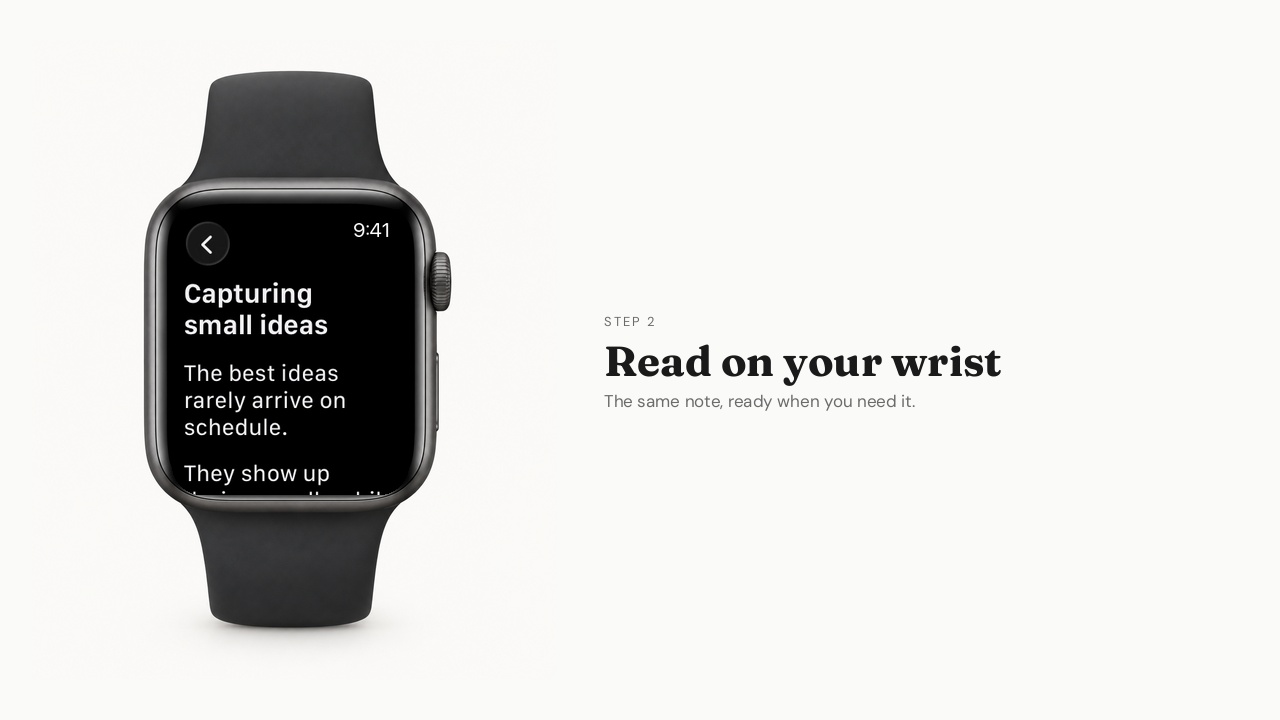
Reading and starting a note on Apple Watch
Browse your notebooks, read a note, and open system text input.
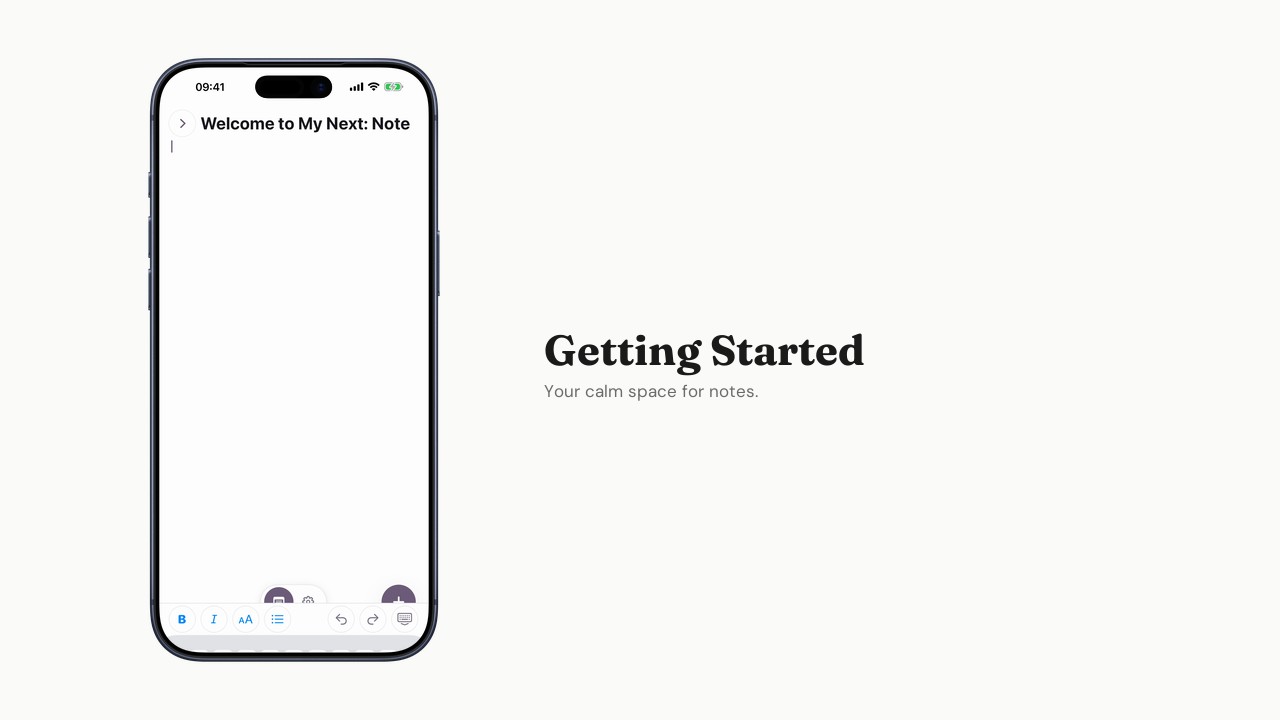
Getting started with Note
Create your first note and explore the editor.
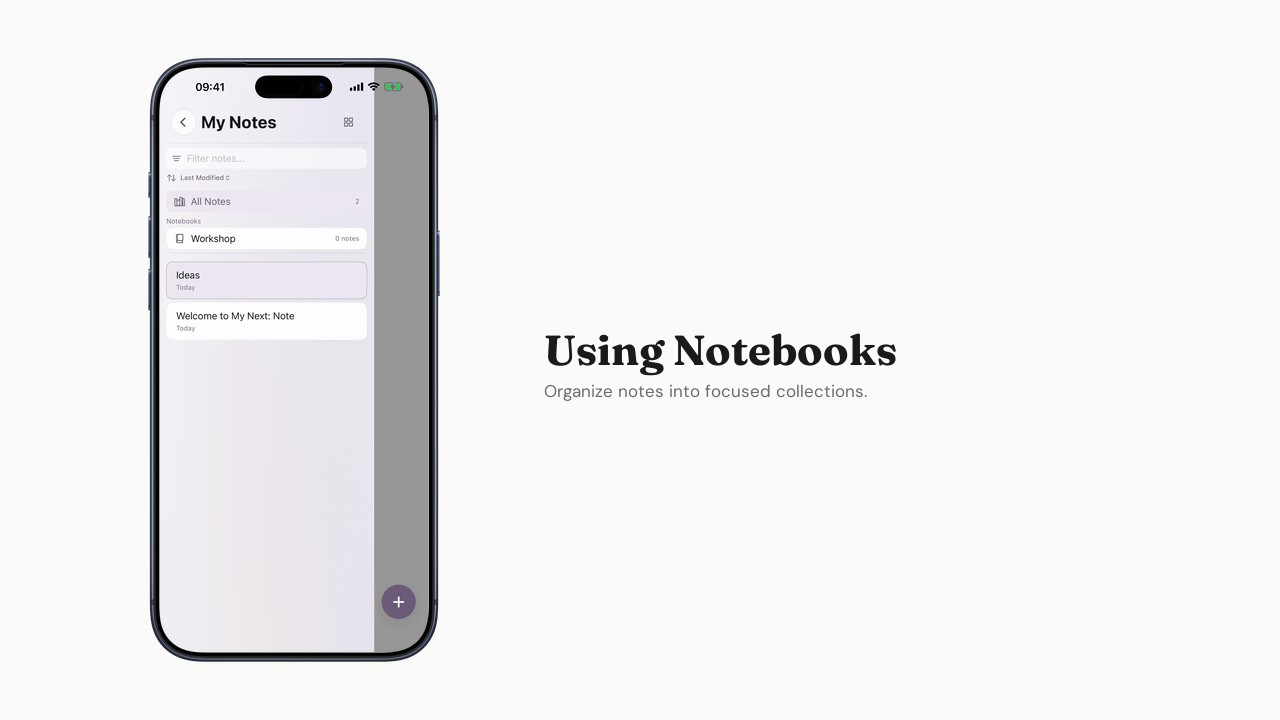
Using Notebooks
Organize notes into focused collections.
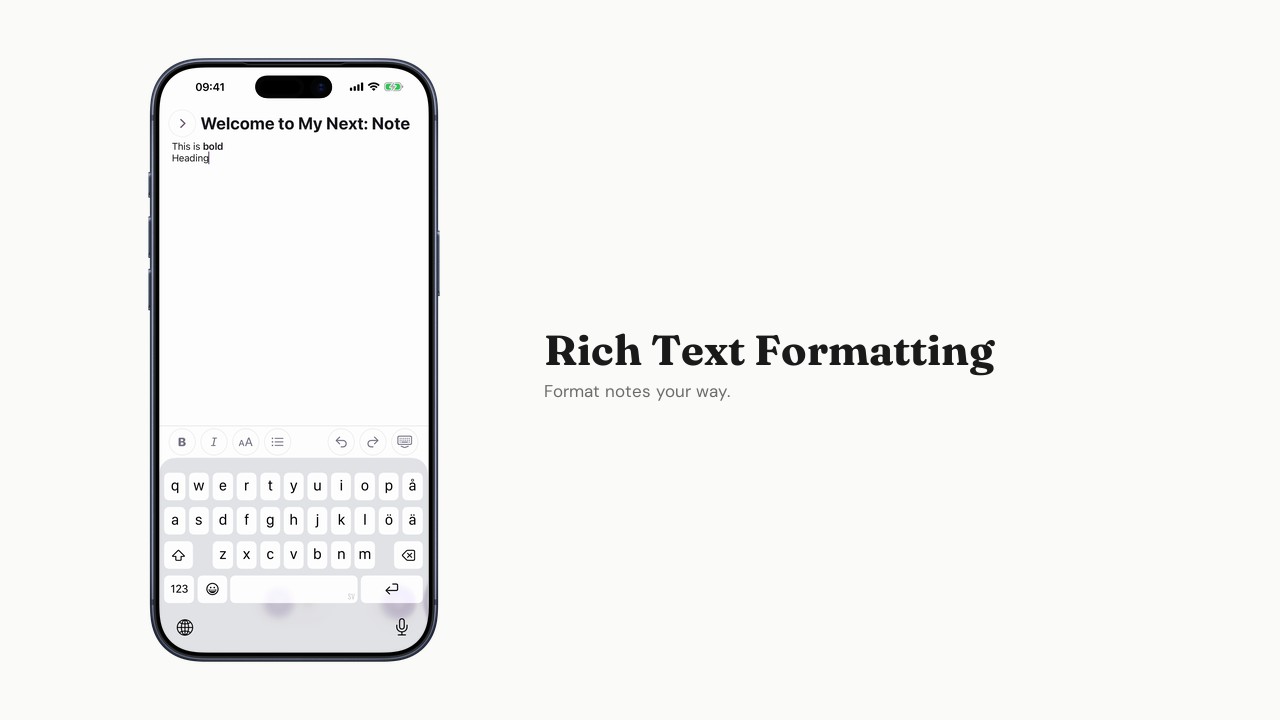
Rich text formatting
Bold, italic, lists, and more — format notes your way.
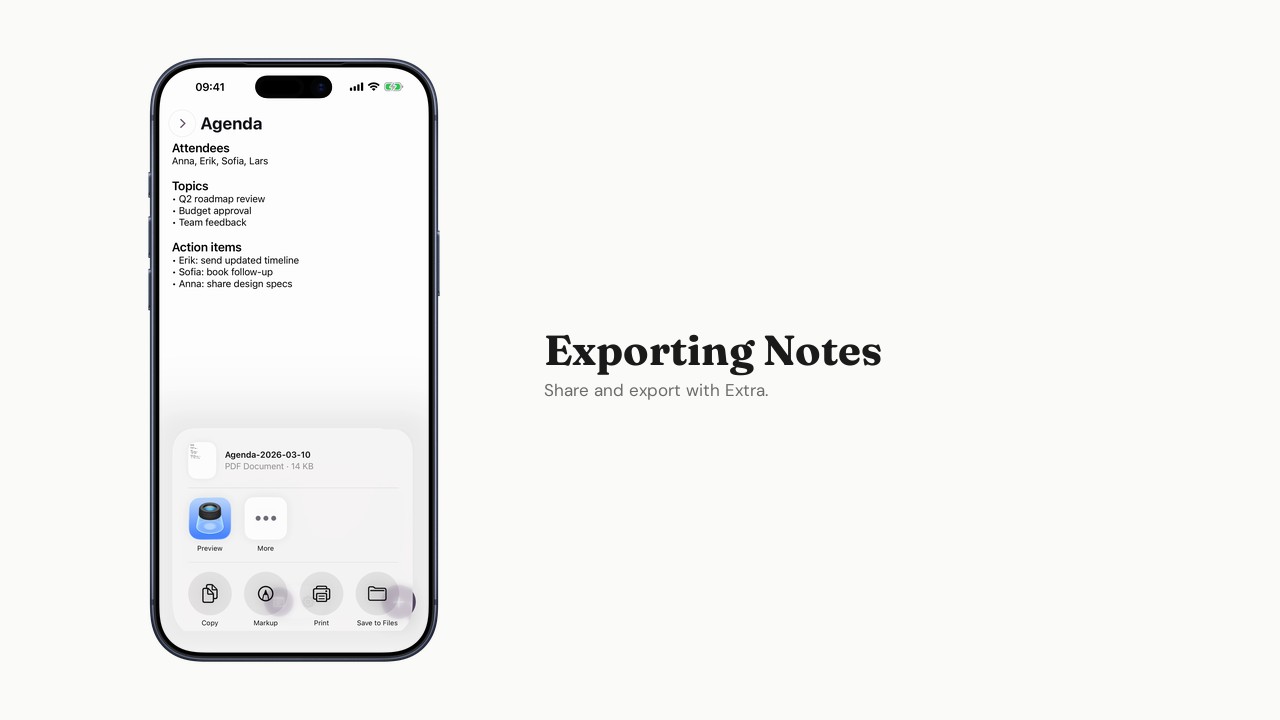
Exporting notes
Share and export notes from the app.
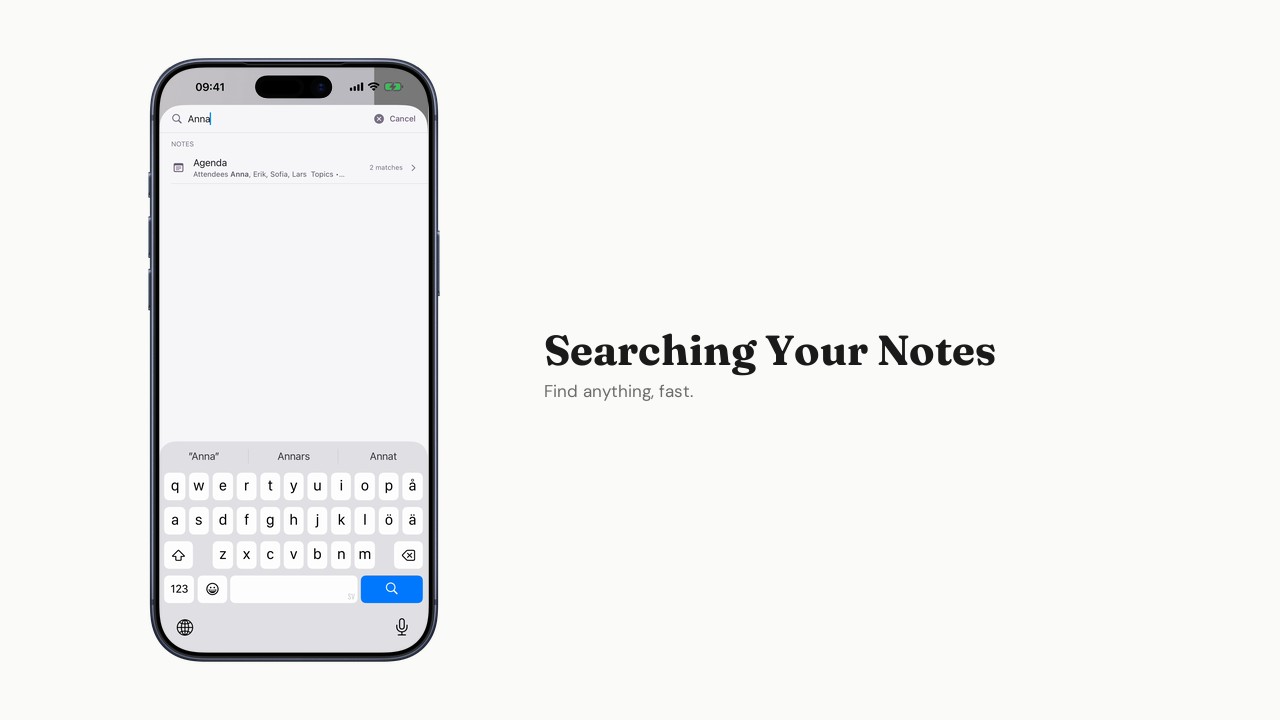
Searching your notes
Find any note quickly with full-text search.
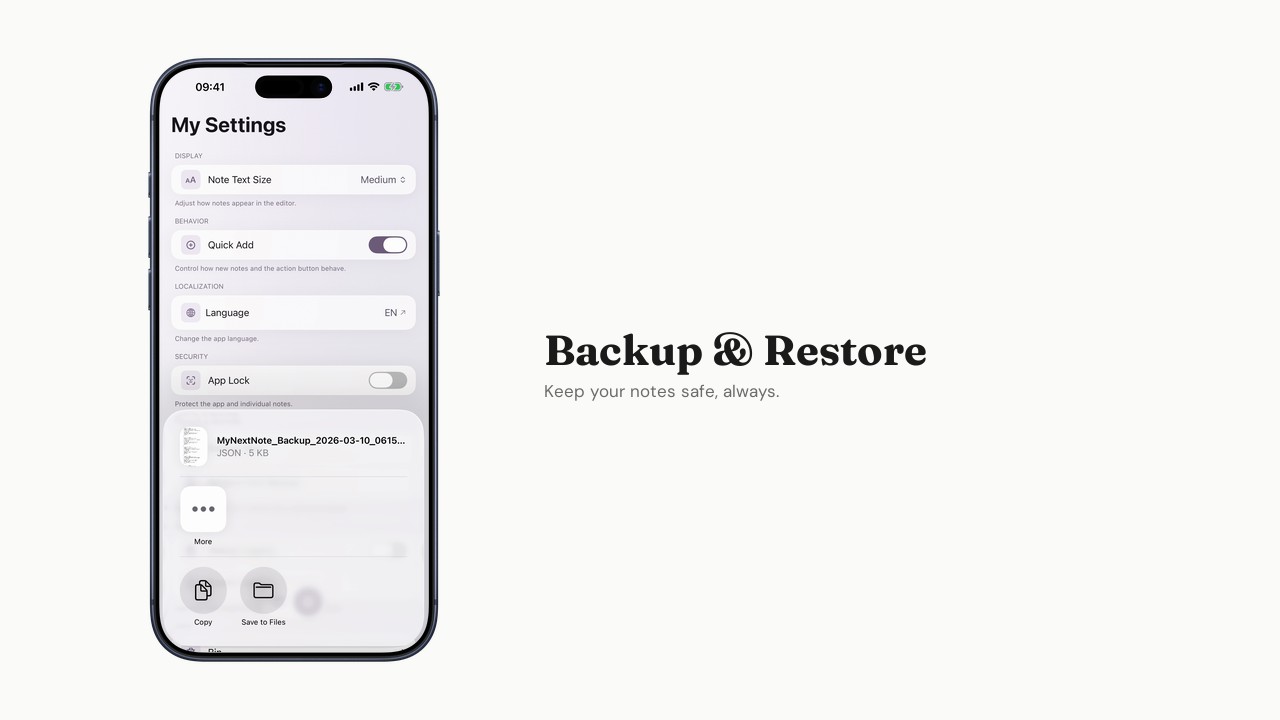
Backup and restore
Back up your data and restore from a backup.
Generous free tier
Everything you need to capture and find your thoughts is free. Extra unlocks more when you're ready.
Free
$0
Forever. No trial, no catch.
- Unlimited notes
- Rich text formatting
- Backup/restore
- Full offline support
- Search
Extra
$1.99/month
When you need more room.
- Everything in Free, plus:
- Unlimited Notebooks (free tier: up to 3)
- Export notes
- Share notes
- Share sheet extension
- Biometric lock
- Advanced search