
Giving the alarm a window
I use the wake alarm in My Next: Todo as part of my weekly routine. The next thing I wanted was a little flexibility in when it wakes me. If I am already stirring before the time I set, perhaps the watch can catch that moment instead of waiting for the exact minute.
Smart wake-up on Apple Watch
In Todo 1.4.0, I can set tomorrow's alarm or a recurring weekday alarm on iPhone, then choose a smart wake-up window of 5, 10, 15 or 20 minutes. Before bed, I open Todo on Apple Watch and activate that night's wake-up. I wait for the watch to confirm it has taken over; simply saving the alarm on the phone does not do that.
During the window, suitable movement can trigger the watch's system alarm early. If it does not, the alarm sounds at the time I set. This is a modest first step, based on movement in that final window rather than a claim that the app knows my precise sleep stage. It also means a weekly routine can keep the wake times, while I still make a conscious choice to activate the watch before sleep.
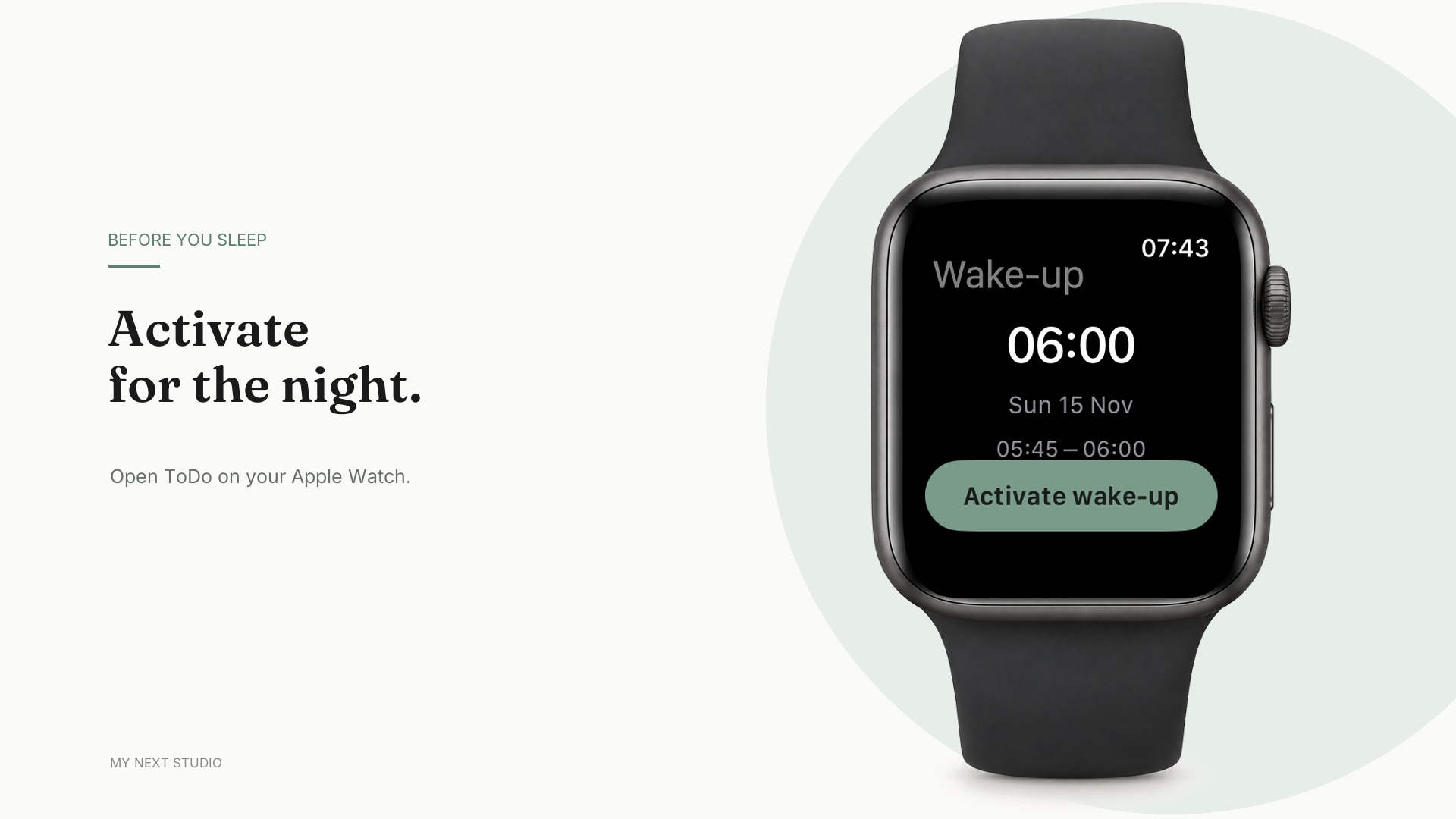
I made a short walkthrough of the new flow, including an accelerated example of the watch waking me before the target time.
This has been a slow feature to test in the most literal sense: each useful trial takes a night of sleep and a morning wake-up. The tests have shown both early wake-ups and the fixed-time fallback working on my watch, and also exposed smaller reliability details that needed attention. Todo 1.4.0 is now available on the App Store.
Next: Sleep Focus
I am also testing Sleep Focus, which connects the other side of the night to Todo's alarms. Think of it as a bit of social media detox around bedtime and waking up: choose apps and websites to block during wind-down, sleep and the first part of the morning. Each alarm can use the phases that make sense for that day, and the morning phase follows the actual wake-up, including an early smart alarm. It is running on my own iPhone for testing, but it is not part of the 1.4.0 release.
Elsewhere in the projects
Launch Studio now shows more of the publishing context beside its Social calendar: how far approved posts reach, gaps in the coming weeks, and films that are ready to package. It also brings those signals onto Home. I want to be able to see what is ready before making another film.
Fazon has made the pending weekly check-in easier to find on Today. The coach dock can offer it alongside a walk when both are relevant. The iPhone beta is still open, and feedback on the food database outside Sweden remains especially useful.
DeskRhythm for Android is still moving forward. The core app is in place, and the current work includes accessibility, smaller-screen layouts and compatibility checks ahead of a Play Store release. It is development work, not an Android launch yet.
What's new in Build Studio
Build Studio has had a quieter reliability pass. Device test suites now run only for the platforms a branch touches, and Android emulators started by a run stop when that run ends. A merge hook no longer freezes the project server while it runs; stopping a dev server or writing a worklog should no longer strand it either. Those are the sort of changes I notice mostly when they stop interrupting a workday.
Kickoff also leaves decisions open when the inputs say they should wait, and initializing an existing folder now checks before changing its files. If you run Build Studio from source, the project-server changes need a resource sync and restart. The changelog has the exact steps.
The smart alarm is a small example of the broader Todo idea: help me plan the next day, then make the transition into it a little gentler.